The AI Scripting Revolution
There is no doubt that AI has changed content creation forever. If you are writing YouTube scripts from scratch in 2025, you are wasting valuable time.
Most creators start their AI journey with ChatGPT. It's free, it's popular, and it feels like magic. But as you get deeper into video creation, you start to notice the friction in using a general-purpose chatbot for a highly specific task like video scripting.
Enter purpose-built tools like TalkTake.
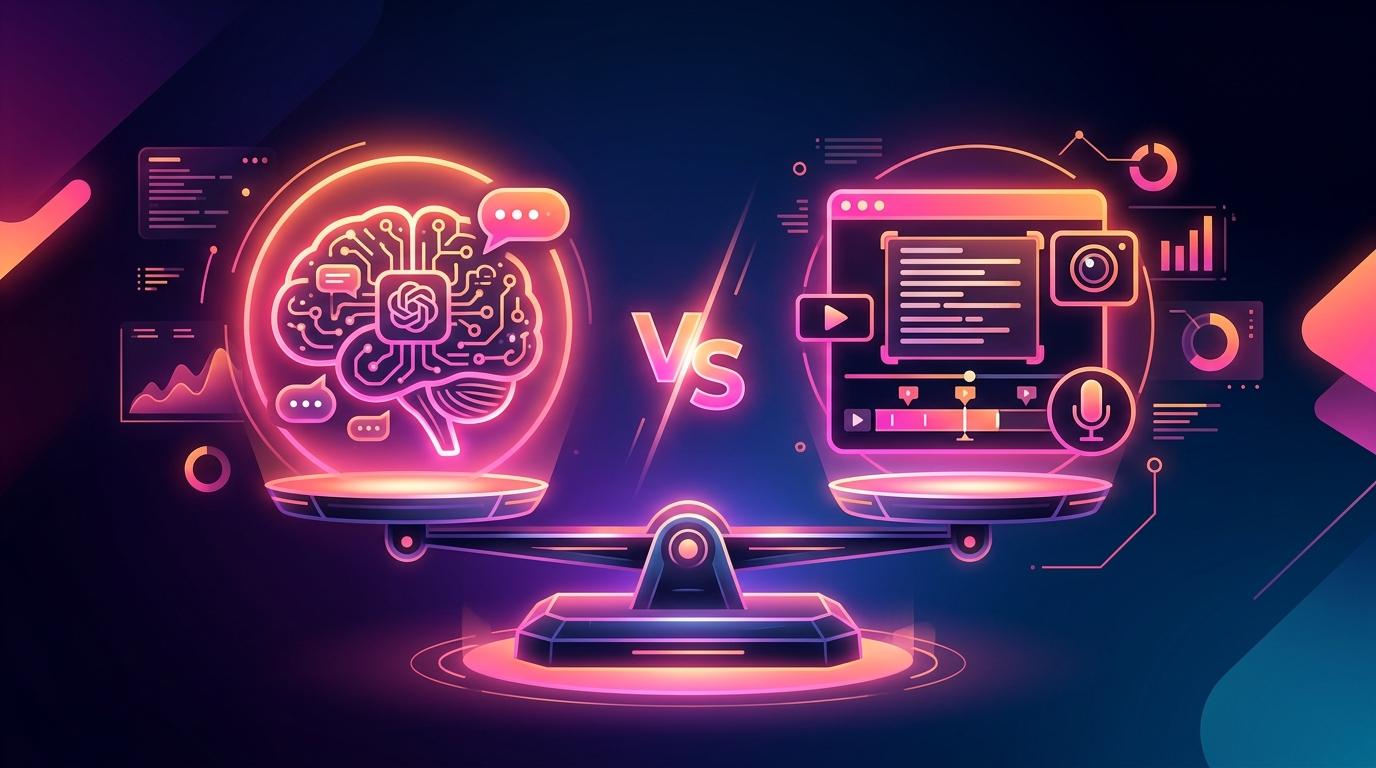
Which one should you use? Let's break down the differences.
1. The Prompting Workflow
ChatGPT: ChatGPT is a blank canvas. To get a good video script, you have to be an expert "prompt engineer." If you just type "write a YouTube script about fitness," you will get a robotic, boring essay. You have to tell ChatGPT the tone, the target audience, the hook structure, the pacing, and the formatting.
TalkTake: TalkTake is built specifically for video. The heavy lifting is done for you. The app already knows how to structure a viral hook, how to write for spoken delivery, and how to format a script for a teleprompter. You just provide the topic, and the optimized prompt runs in the background.
Winner: TalkTake (for speed and ease of use).
2. Tone and "The AI Voice"
ChatGPT: We all know the "AI voice." It uses words like "delve," "furthermore," and "in today's digital landscape." It writes like a high school essay, not a human speaking to a camera. Editing a ChatGPT script to sound natural often takes as much time as writing it from scratch.
TalkTake: Because TalkTake's underlying models are fine-tuned specifically for creator content, the output is highly conversational. It uses contractions (don't, can't), shorter sentences, and spoken-word rhythms. It gives you an 80% finished script that actually sounds like you.
Winner: TalkTake.
3. The All-in-One Workflow
ChatGPT: Once ChatGPT generates your script, what do you do?
- Copy the text.
- Open a separate notes app to edit it.
- Open a separate teleprompter app.
- Paste the text in.
- Fix the formatting that broke during the paste.
- Finally, start recording.
This context-switching kills creativity.
TalkTake: TalkTake is an end-to-end studio in your pocket.
- Generate the script.
- Edit it right there.
- Press "Record."
The script is instantly loaded into a voice-follow teleprompter, and you are recording video in the same app you used to write it.
Winner: TalkTake.
4. General Knowledge and Flexibility
ChatGPT: If you need to brainstorm 50 different video titles, research historical facts for a documentary, or write code for a website, ChatGPT is the undisputed king. It is a general intelligence tool that can do almost anything if you know how to ask.
TalkTake: TalkTake is hyper-focused. It doesn't write code. It doesn't write emails. It writes killer video scripts and helps you record them perfectly.
Winner: ChatGPT (for general tasks).
Final Verdict
If you need a digital assistant to help you brainstorm ideas, summarize research, and write emails, ChatGPT is essential.
But if your goal is to produce high-quality video content faster, using a general chatbot is like using a Swiss Army Knife to chop down a tree. You need a specialized tool.
TalkTake eliminates the prompting learning curve, outputs natural-sounding speech, and integrates the teleprompter directly into the writing workflow. For video creators, it's the clear choice.