Why Most Creators Struggle with Scripting
Writing scripts is one of the biggest bottlenecks for video creators. You have a great idea, but turning it into a structured, engaging script takes time — often hours you don't have. That's where AI comes in.
In 2025, AI-powered script generators have become indispensable for creators on YouTube, TikTok, and Instagram Reels. They don't replace your voice — they help you find it faster.
What Makes a Great YouTube Script?
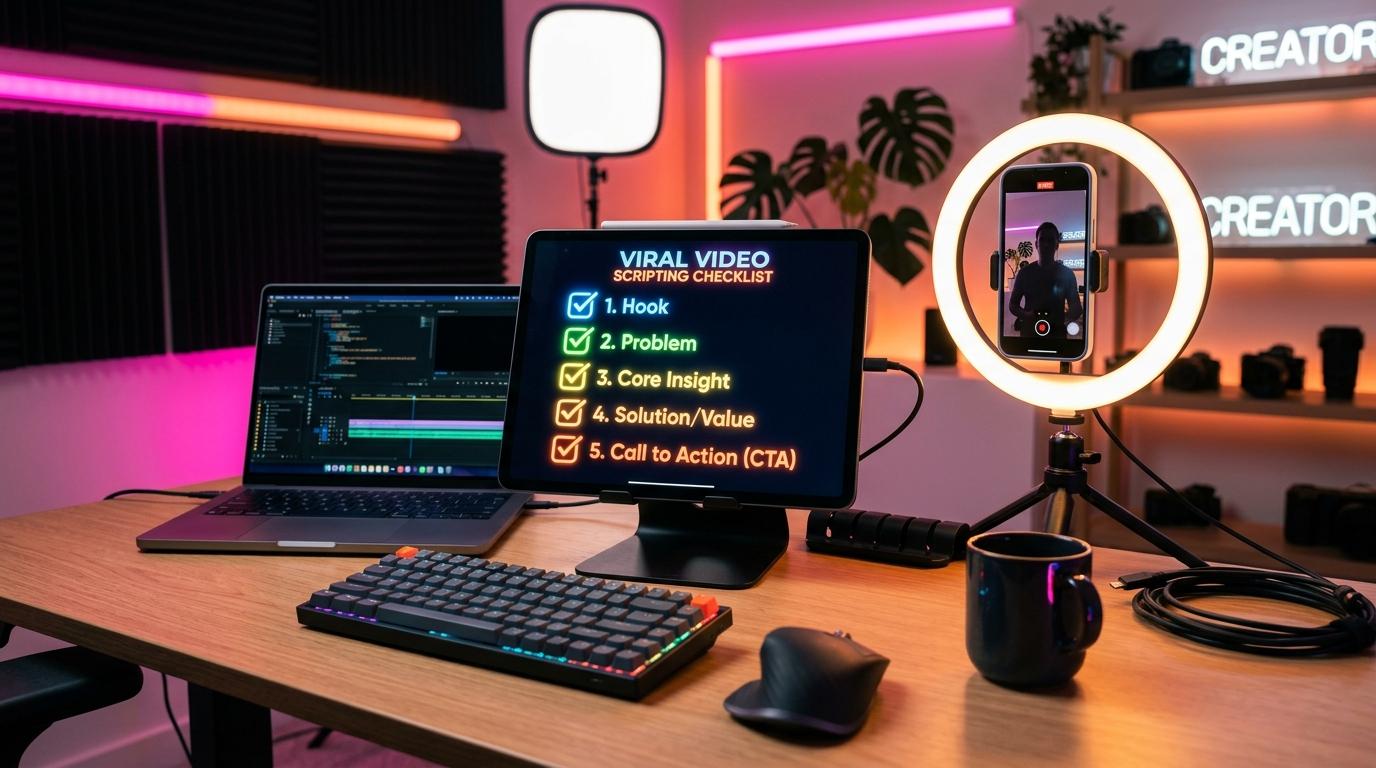
Before diving into AI tools, it's important to understand the anatomy of a high-performing YouTube script:
1. A Strong Hook (First 15 seconds) Your hook determines whether viewers stay or scroll. It should address a pain point, ask a compelling question, or make a bold promise. Example: "Most creators waste 3 hours writing scripts. Here's how to do it in 10 minutes."
2. Clear Value Delivery Outline 3–5 key points that deliver on your hook. Keep each section focused and conversational — not academic.
3. A Natural Conversational Tone Viewers can feel when a script is stiff. The best scripts sound like you're talking to a friend over coffee.
4. A Clear Call-to-Action Always end with a single, clear next step. "Download the app," "Subscribe," or "Try it free."
How AI Script Generators Work
Modern AI tools like TalkTake analyze your video idea and generate a full, structured script in seconds. Here's the typical workflow:
- You describe your idea — in a sentence or two, just like telling a friend what your video is about.
- AI generates a draft — structured with hook, body sections, and a CTA.
- You edit and personalize — the AI gives you 80% of the work; you add your unique perspective.
- Record with a teleprompter — apps like TalkTake let you record while the script scrolls at your voice's pace.
Tips for Getting the Best Results from AI Scripts
- Be specific with your prompt. Instead of "make a script about productivity," try "make a 3-minute YouTube script about how creators can batch-film 5 videos in one day."
- Keep your voice. Read the draft out loud immediately. If it doesn't sound like you, tweak it.
- Use it as an outline first. Sometimes generating the structure alone saves the most time.
- Iterate quickly. AI makes iteration instant — regenerate a section that doesn't feel right.
Why TalkTake is Built for This Workflow
TalkTake was designed specifically for the creator's scripting-to-recording workflow. You describe your idea, get a natural AI-generated script, make edits, and then record directly in the app — with a voice-follow teleprompter that scrolls at exactly your pace.
No more switching between apps. No more losing your place on the teleprompter.
Conclusion
In 2025, creators who use AI to assist with scripting will consistently outpace those who don't. The key is using it as a co-pilot, not a ghostwriter. Maintain your voice, your perspective, and your unique style — let AI handle the structural heavy lifting.
Ready to try it? Download TalkTake and generate your first AI script today.