The Memory Myth: Why Memorizing Kills Your Charisma
If you have ever spent two hours recording a 60-second video because you kept blanking on line four, you are not alone.
Most creators begin their video journey believing they need to memorize their scripts verbatim like Hollywood actors. But here is the secret Hollywood rarely talks about: even actors do dozens of takes, have directors feeding them lines, and spend weeks in table reads.
For YouTube creators, TikTokers, and business professionals, memorizing scripts verbatim is actually counterproductive. When you are reciting memorized words from working memory, three things happen:
- The "Robot Stare": Your eyes glaze over or drift upward to the ceiling while your brain searches for the next sentence.
- Loss of Natural Inflection: Memorized words lose spontaneous emotional warmth. You sound like a textbook instead of a passionate expert.
- Severe Production Bottlenecks: A simple 5-minute video takes 3 hours to film, leading straight to creator burnout.
The 3-Step "Concept Chunking" System
Top content creators who post daily videos don't memorize word-for-word. They use concept chunking:
1. Identify Your Anchor Points
Instead of trying to remember 30 sentences, distill your script into 3 to 4 core points or stories. If your brain knows the destination of each chapter, you can speak naturally between the landmarks.
2. Conversational Rehearsal (Out Loud, Never Silent)
Never practice a script silently in your head. When we read silently, our internal monologue skips over awkward phrasings and complex syllables. Speaking out loud immediately flags sentences that trip your tongue.
3. Record in Micro-Sections
Don't pressure yourself into recording an unbroken 10-minute take. Record one section, pause, verify the message, and move to the next.
Why Traditional Teleprompters Still Cause Stumbling
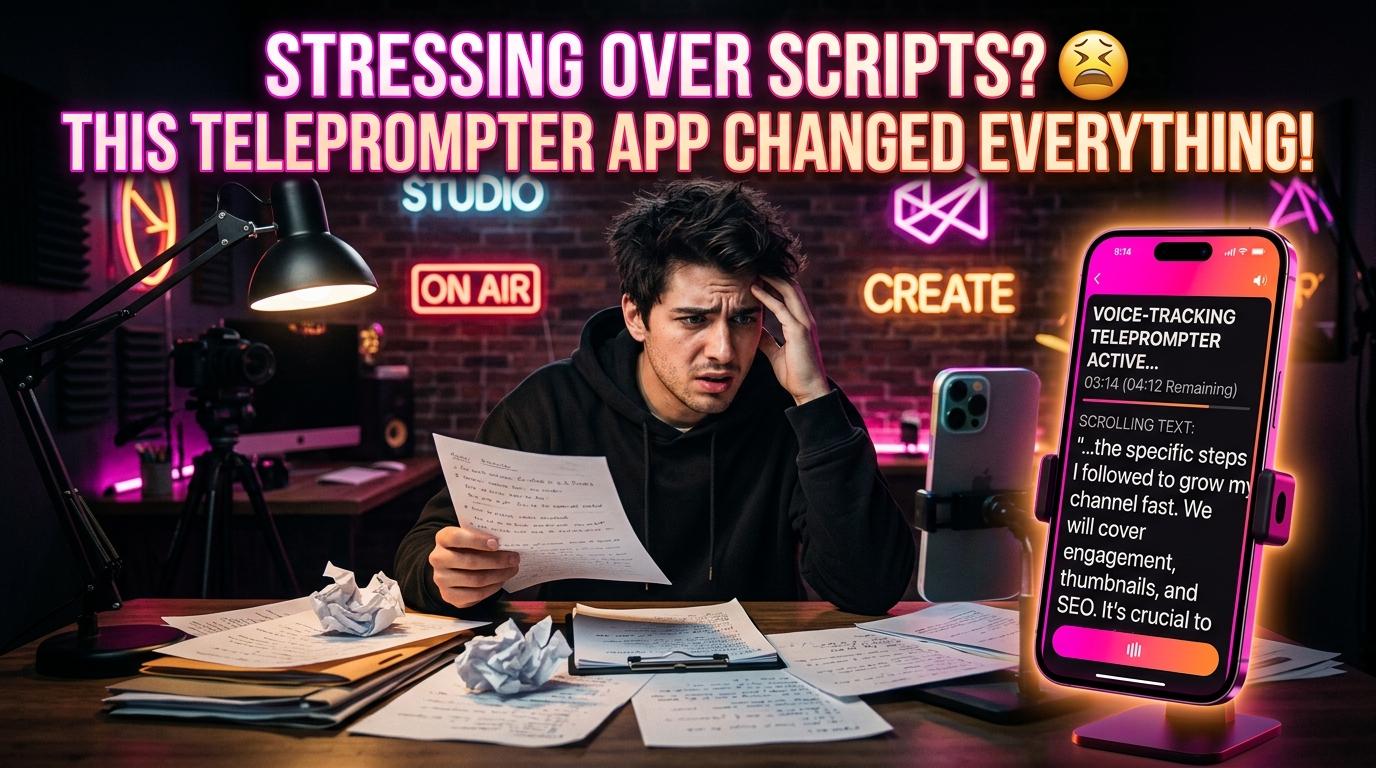
To bypass memorization, many creators download standard teleprompter apps. But they immediately run into a new frustration: fixed scrolling speed.
Traditional prompters roll downward at a predetermined speed (e.g., 140 words per minute).
- If you pause for emphasis, the text scrolls off screen and leaves you behind.
- If you cough or take a breath, you lose your place.
- If you read faster than the machine, you have to wait awkwardly for the screen to catch up.
You end up running a frantic mental race against a robotic conveyor belt.
The Game Changer: Voice-Tracking Prompters
This is why voice-following technology in apps like TalkTake has revolutionized creator workflows.
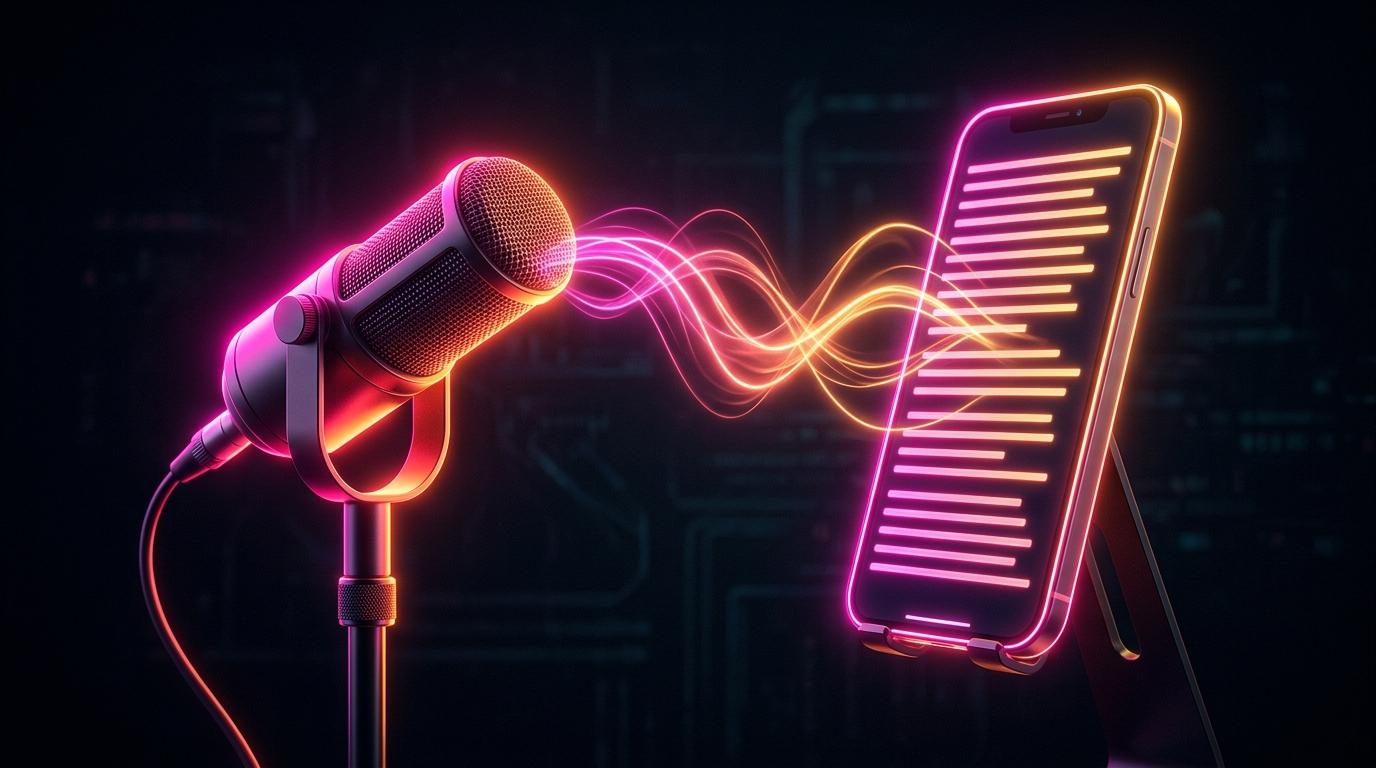
Instead of forcing you to match a mechanical scroll speed, TalkTake listens through your iPhone microphone using real-time speech recognition. The prompter moves forward only as you speak each word:
- Pause whenever you want: Stop to take a sip of water, gather your thoughts, or emphasize a dramatic point. The script freezes on your exact word.
- Speed up or slow down naturally: TalkTake accelerates when you speak quickly and decelerates when you slow down.
- Zero line loss: You never have to squint or search for where you left off.
Traditional Prompter: You serve the machine's speed.
Voice-Tracking (TalkTake): The machine serves your natural human cadence.
The 5-Minute One-Take Protocol
Here is the exact routine our creators use to film high-retention videos in a single take:
- Generate or paste your script: Open TalkTake and either paste your draft or tap "Generate Script" with your prompt idea.
- Select Voice Follow mode: Turn on speech recognition tracking so the prompter locks to your vocal pace.
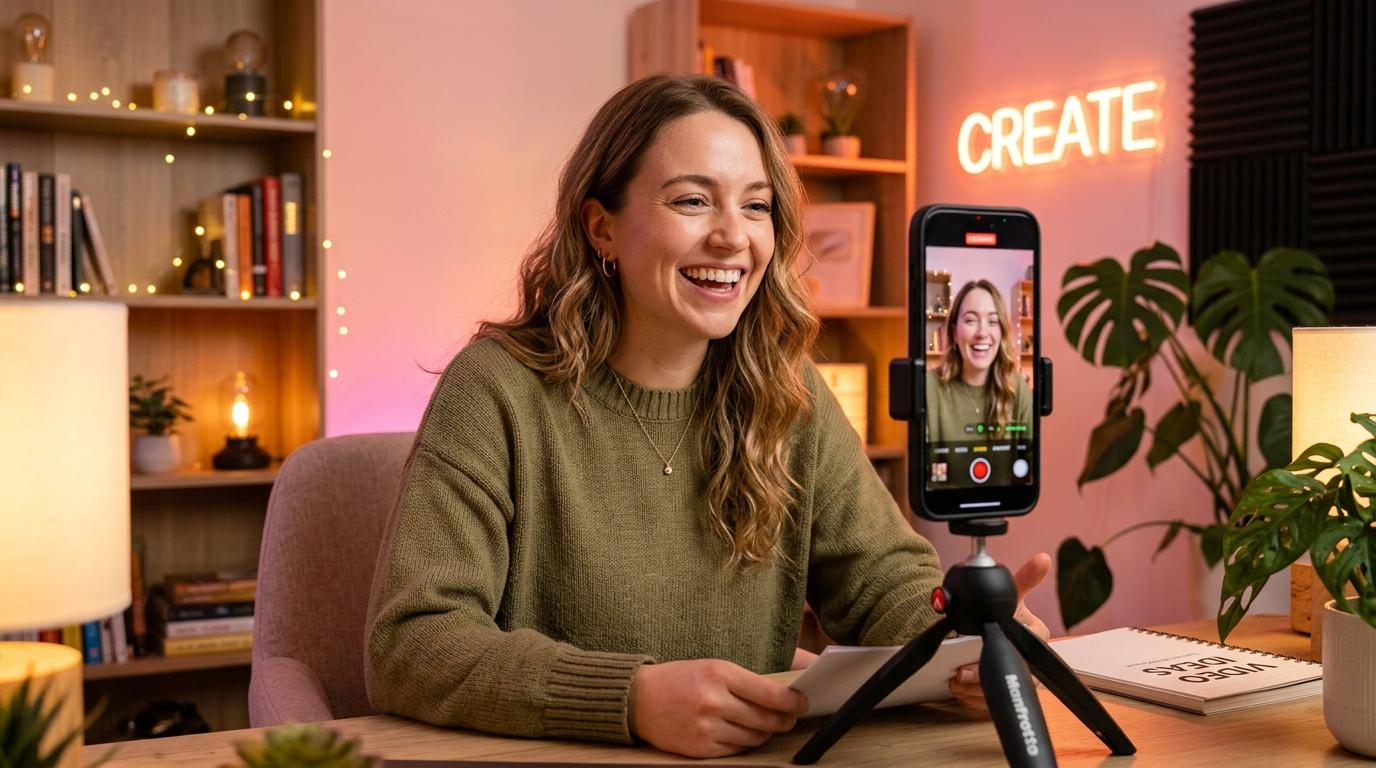
- Position your phone at eye level: Keep the text window compact right below the camera lens so your eye gaze remains locked on the viewer.
- Hit Record: Speak naturally. If you hesitate, take your time — your script is patiently waiting right where you stopped.
Stop wasting your weekends retaking the same video forty times. Download TalkTake on iOS today and record confident, one-take videos in minutes.