The Problem with Traditional Teleprompters
If you've ever used a standard teleprompter app, you know the struggle. You set the scroll speed to what you think is your reading pace. But as soon as you hit record, you either talk too fast and have to wait awkwardly for the text to catch up, or you talk too slow and the script flies off the top of the screen.
The result? You look like a robot. You lose all emotional dynamics because you are entirely focused on chasing the words.
Enter the Voice-Follow Teleprompter
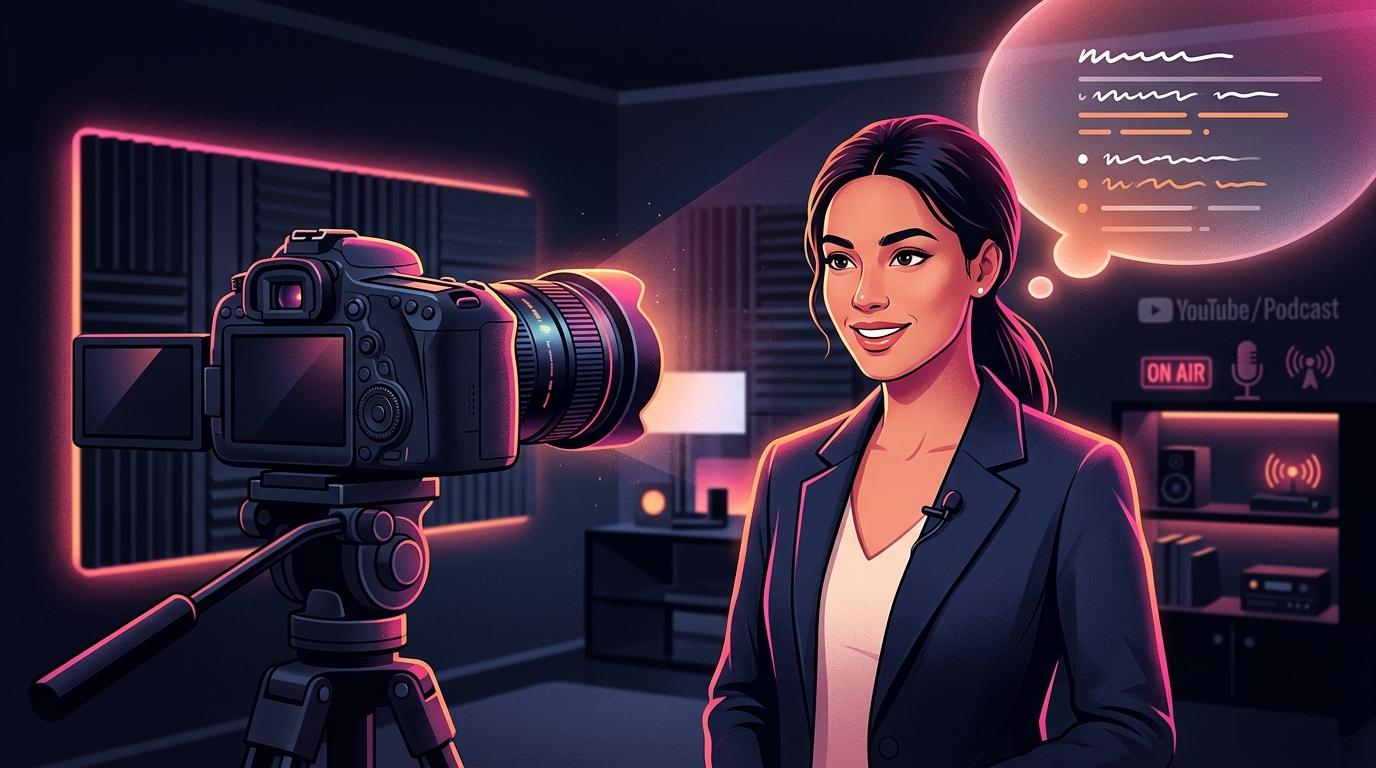
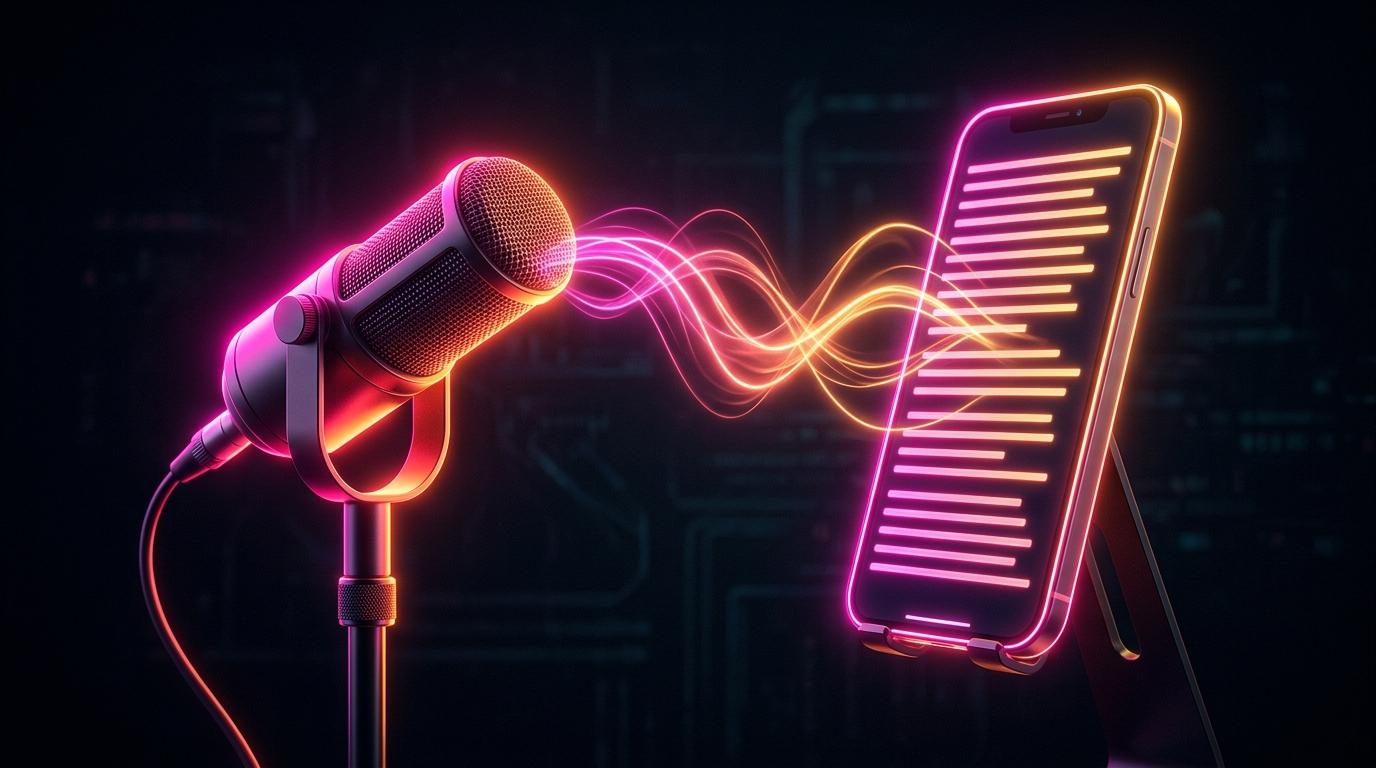
A voice-follow teleprompter (sometimes called a smart teleprompter) solves this completely. Using real-time speech recognition, it listens to your voice through your microphone and scrolls the text only when you speak.
If you pause for dramatic effect, the text stops. If you speed up because you are excited, the text speeds up with you. If you go off-script to add a quick side-note, the teleprompter waits patiently at the exact spot you left off.
Why This Changes Everything for Creators
- Perfect Eye Contact: Because you aren't chasing text, your eyes remain locked on the camera lens, creating a deeper parasocial connection with the viewer.
- Zero "Robot Voice": You can finally use your natural cadence. You can pause, breathe, and emphasize words without the fear of the script running away.
- One-Take Recording: Instead of doing 15 takes and stitching them together in Premiere Pro, a voice-tracking prompter allows you to nail a 60-second YouTube Short or TikTok in a single take.
How TalkTake Implements It
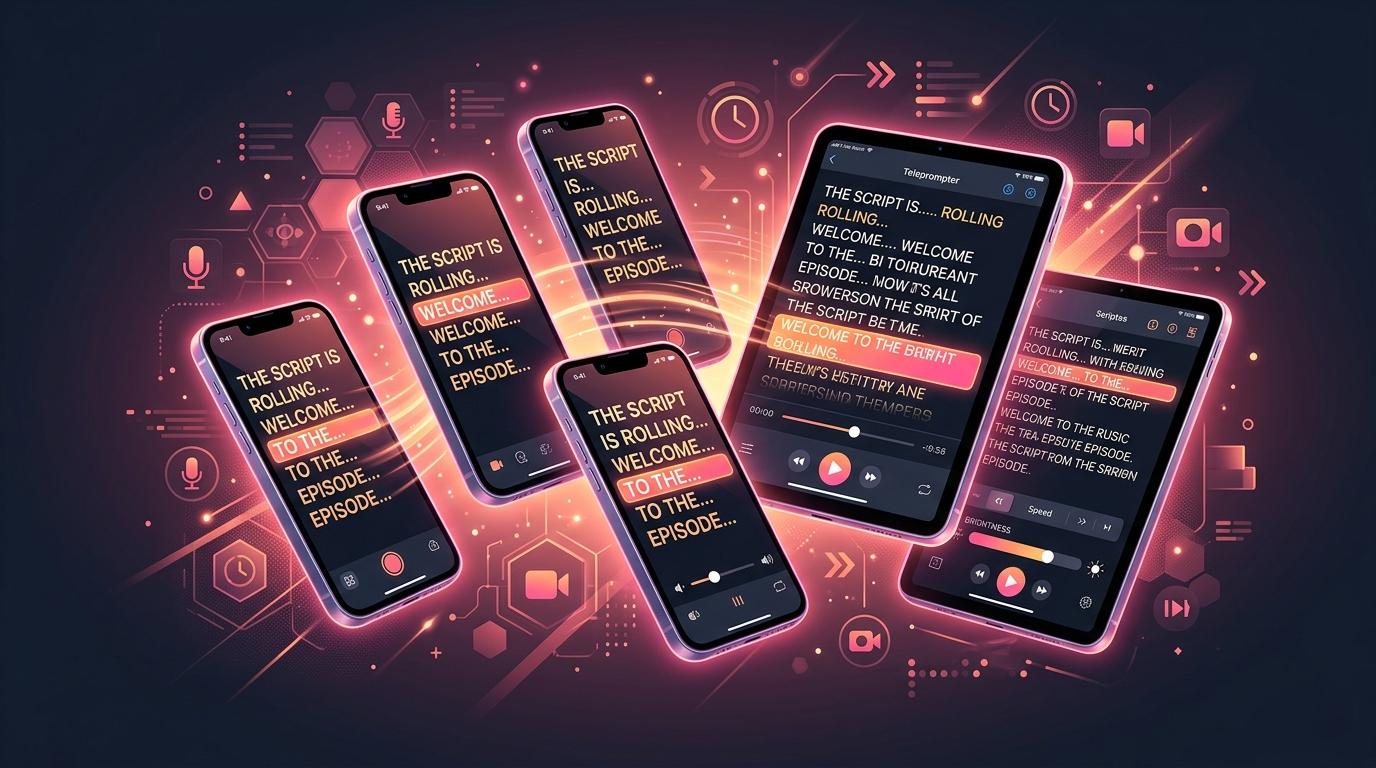
TalkTake isn't just an AI scriptwriter; it has a built-in voice-follow teleprompter engineered specifically for mobile devices.
Once the AI generates your script, you just tap 'Record.' TalkTake instantly overlays the script on your camera view, placing the active words right near the camera lens. It listens to you locally, ensuring zero lag, so you can record high-retention content flawlessly every time.