The Myth of Expensive Gear
There is a persistent myth in the creator economy that you need a Sony A7IV and an expensive lens to be taken seriously.
The reality? Some of the highest-earning creators in the world record entirely on their smartphones. The cameras on modern iPhones and high-end Androids are spectacular—if you know how to use them.
Here is the exact formula for achieving cinematic quality using only your phone.
1. Ditch the Selfie Camera
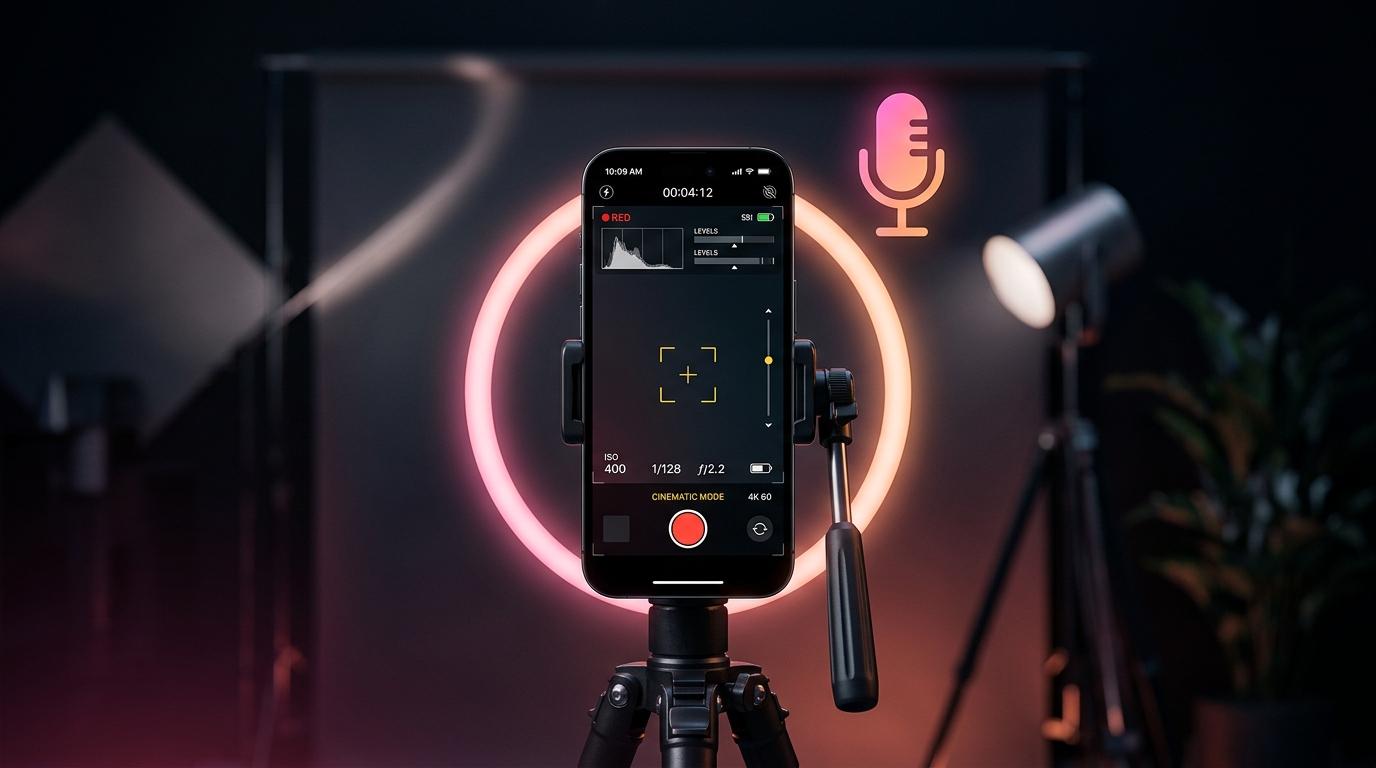
The front-facing (selfie) camera is always inferior to the rear cameras. It has a smaller sensor, worse low-light performance, and less dynamic range. Rule #1: Always record using the back camera.
But how do I see myself? Use a mirror behind your phone, cast your screen to a monitor, or use an app like TalkTake which utilizes the rear camera while allowing you to read from a smart teleprompter screen facing you.
2. Lock Your Exposure and Focus
Smartphones are designed to constantly auto-adjust. If you move, the phone will change the brightness and focus, causing a distracting flickering effect in your video. Before you hit record, tap and hold on your face on the screen until you see AE/AF LOCK. Now, slide the sun icon down slightly to underexpose the shot by about 10%—this preserves the detail in the highlights and makes the footage look richer.
3. The "Cinematic" Lighting Formula
A $2,000 camera looks terrible in bad lighting. A smartphone looks amazing in good lighting.
You don't need expensive studio lights. Just use the Window + Reflector method:
- Key Light: Stand facing a large window so soft, natural light hits your face directly.
- Fill/Edge: If one side of your face is too dark, place a cheap white foam board (or a reflector) just out of frame to bounce the window light back onto the dark side.
4. Audio > Video
Viewers will forgive slightly grainy video, but they will instantly scroll away from bad audio. Do not rely on your phone's built-in microphone if you are more than an arm's length away. Invest $30 in a wireless lapel microphone (like the cheap ones from DJI or Rode) that plugs directly into your charging port.
Clean, crisp audio instantly elevates the perceived production value of your video by 10x.