Why You Need a Teleprompter App in 2025
Whether you are recording a quick Instagram Reel, a professional YouTube video, or an online course, memorizing scripts is a massive waste of time.
But traditional teleprompters are bulky and expensive. Today, your iPhone or iPad is the only teleprompter you need. The challenge is finding an app that doesn't make you look like you're reading a hostage note.
Here are the best teleprompter apps for iOS in 2025, ranked by features, ease of use, and natural delivery.
1. TalkTake: Best Overall for Natural Delivery
TalkTake takes the top spot because it solves the biggest problem with teleprompters: sounding robotic.
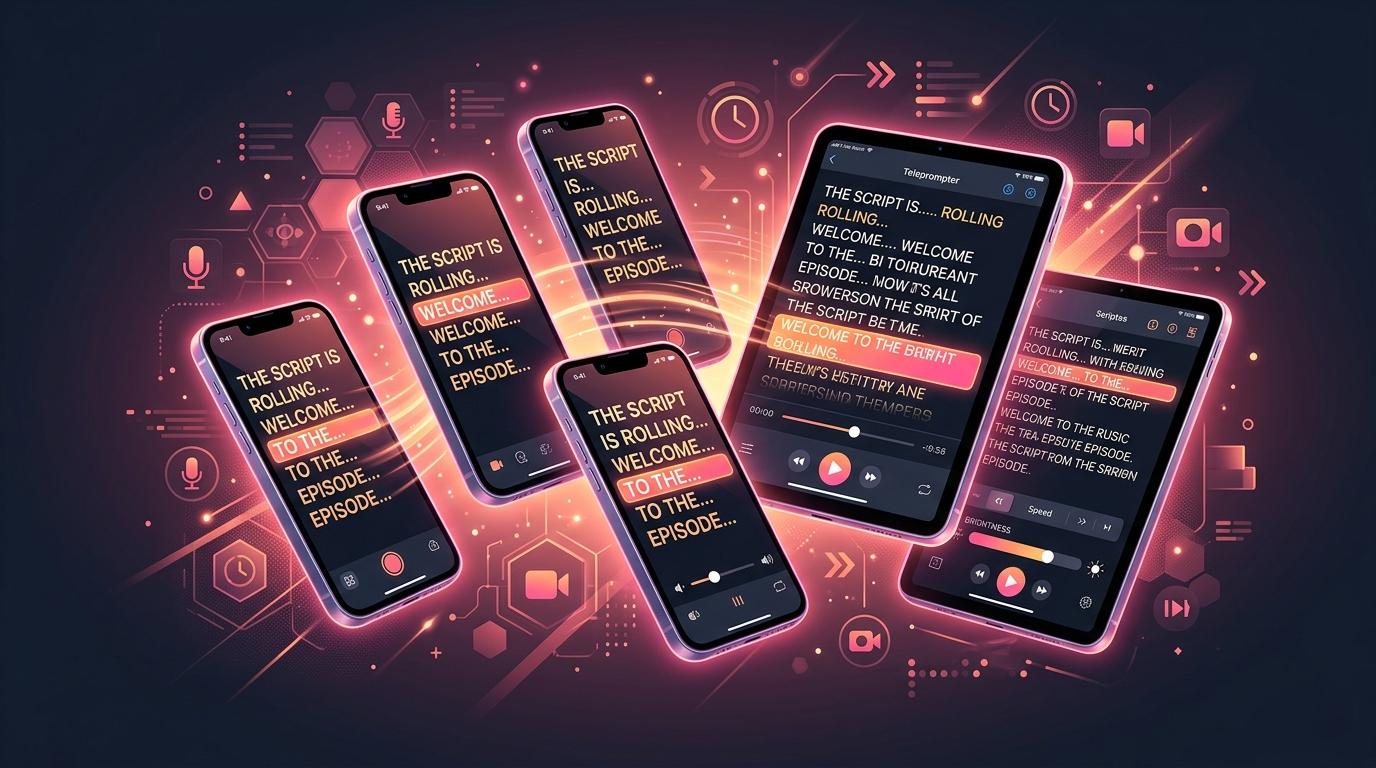
Unlike traditional apps that force you to read at a fixed speed, TalkTake features a Voice-Follow Teleprompter. The app listens to your voice and scrolls the text at your exact pace. If you pause for emphasis, the text pauses. If you speed up, it catches up.
Key Features:
- AI Script Generator built-in (write and record in one app)
- Voice-following scrolling (no more adjusting speed sliders)
- Video recording directly in the app
- Clean, distraction-free interface
Best for: Content creators, YouTubers, and business professionals who want to look completely natural on camera without memorizing scripts.
2. Teleprompter Premium: Best for Professional Studios
If you are using a physical teleprompter rig (the kind with a glass mirror that sits in front of a DSLR), Teleprompter Premium is a solid choice.
Key Features:
- Mirror text option (essential for physical rigs)
- Remote control support via Apple Watch or Bluetooth remote
- Complex script management
Best for: Professional studios and newsrooms with dedicated hardware setups.
3. PromptSmart Pro: The Legacy Choice
PromptSmart was one of the first apps to introduce voice-tracking technology. While the UI feels a bit dated in 2025, the core technology is still reliable.
Key Features:
- VoiceTrack technology
- Document importing (Word, PDF, TXT)
- Offline support
Best for: Users who have massive, multi-page corporate scripts and don't mind an older interface.
4. CapCut: Best Free Option for Short Form
CapCut is known as a video editor, but it has a basic built-in teleprompter feature.
Key Features:
- Completely free
- Integrated into the editing workflow
- Basic speed and text size controls
Best for: Beginners who are already using CapCut to edit and just need a simple, no-frills scrolling text box. (Warning: It does not have voice-following, so it can lead to robotic delivery).
Verdict
If you want an all-in-one workflow where you can generate a script with AI and immediately record it with a teleprompter that adapts to your natural speaking voice, TalkTake is the clear winner for 2025.
Download it on the App Store today and see how much faster you can produce high-quality videos.